Performance
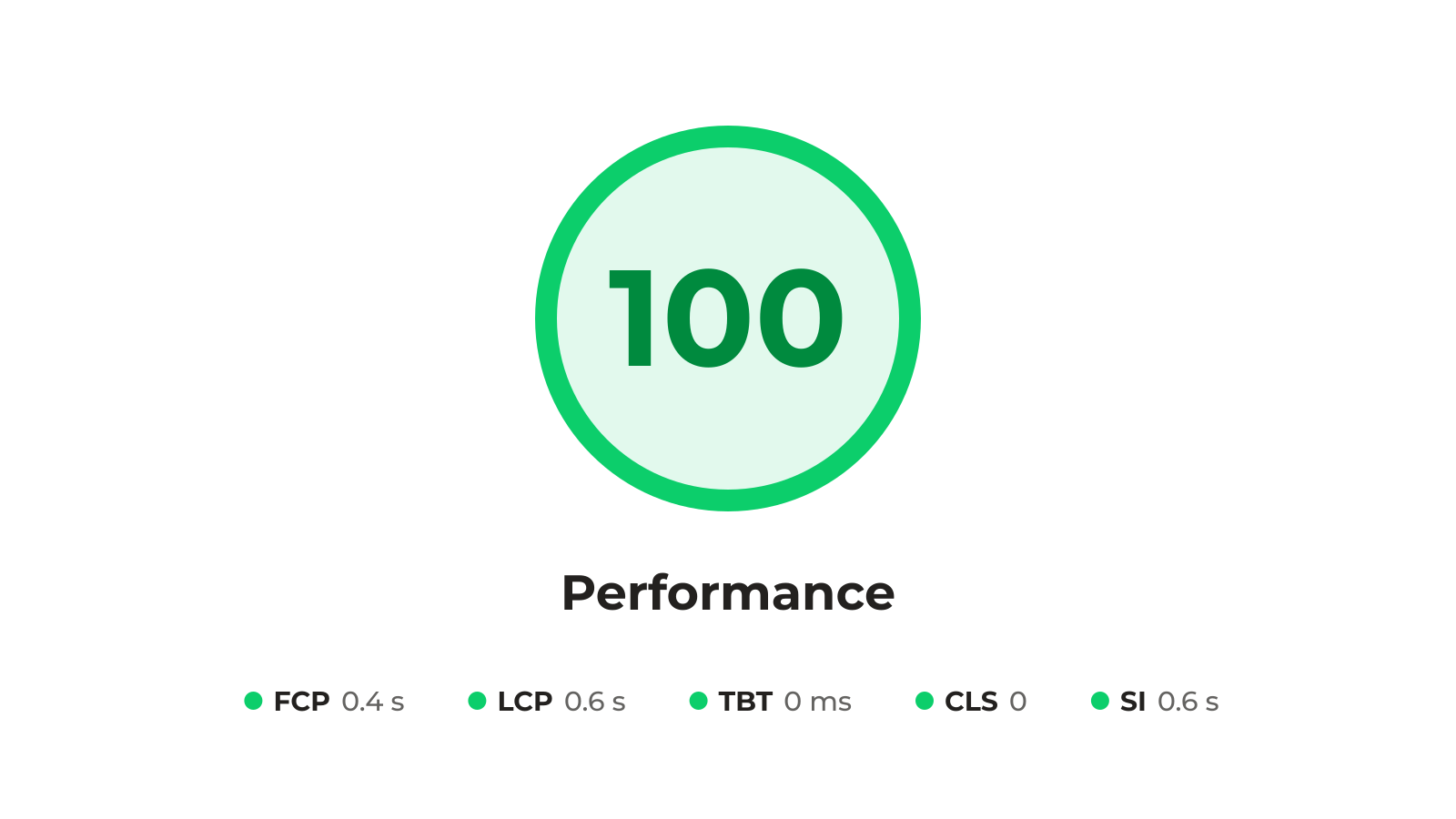
Page speed is the top cause of frustrated visitors and weak technical SEO. Every Flipsite page is compiled for speed: inline critical CSS, next-gen images, no third-party JavaScript and locally hosted fonts. Whether you or your AI built it, it's compiled the same way, built to reach 100 in Lighthouse Performance.
100/100 on all Lighthouse tests
#Google PageSpeed Insights is the gold standard for websites that perform well on every device. Flipsite's architecture and component layer are built so that everything you design gets compiled. Compilation happens in real time, so what you build is what you see, and it's clean and structured under the hood. Whether you or your AI built the page, it's built to score 100/100 on the first try. Add Google Analytics and the score drops to 99. Use cookieless Plausible Analytics and keep 100.
In Google Lighthouse
- Performance 100
- Accessibility 100
- Best Practices 100
- SEO 100
Lighthouse as our guiding star
#Pages built with Flipsite are built to score 100 on every Lighthouse test, much of it thanks to the speed of the site. Speed is what gives a great user experience. Speed is what makes great technical SEO possible. And speed is what makes it a pleasure to develop with flipsite. Speed is the one thing we don't compromise on.
Automatic critical CSS
#Each page inlines only the CSS it actually uses, right in the HTML. There's no stylesheet to download before the first paint, and no unused styles for the browser to parse.
In Google Lighthouse
- Eliminate render-blocking resources
- Minify CSS
- Reduce unused CSS
Next gen image formats
#Regardless if you're using the built-in Unsplash stock images or your own we'll automatically compile them into next gen webp image formats of the right sizes required for most common devices and screen sizes. This way you always serve images that take the least bandwidth and look stunning.
In Google Lighthouse
- Serve images in next-gen formats
- Efficiently encode images
- Properly size images
- Defer offscreen images
- Image elements have explicit width and height
No 3rd party JavaScript libraries
#No frameworks or external libraries slowing the page down. Animations run in CSS, and the little JavaScript a page needs is inline, measured in bytes, not kilobytes.
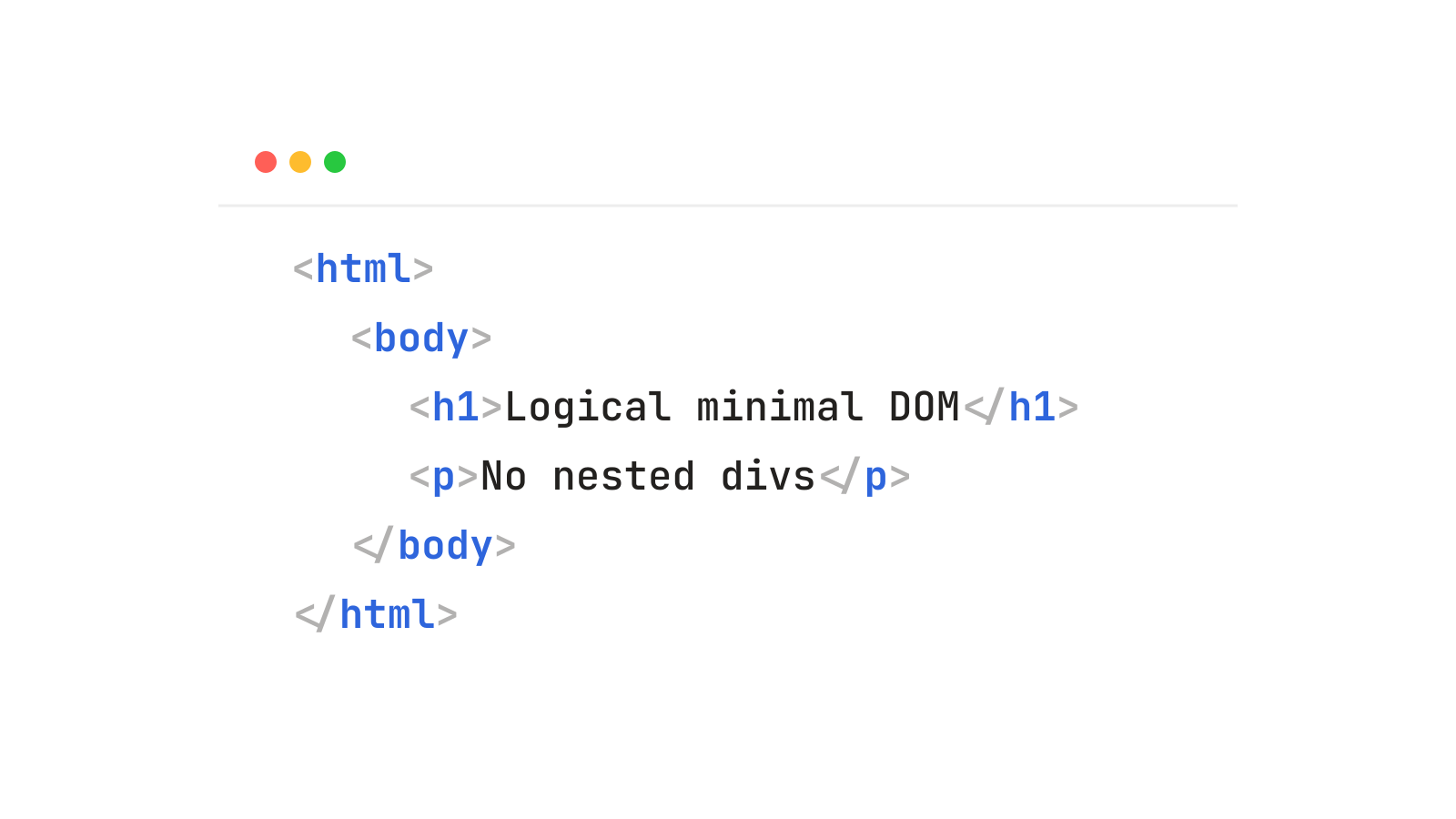
Logical minimal DOM tree
#The DOM structure of any page is minimal and built around standard HTML elements. No nested DIVs inside DIVs or other magic. Human understandable HTML that accomplishes what you designed to do with minimal bytes sent over the wire on every request.
Deferred loading with placeholders to minimize CLS
#Cumulative Layout Shift (CLS) is usually the result of deferred loading of images and fonts. Flipsite intelligently defers loading but has placeholders for both fonts and images with the right size given at load time, so that CLS is minimized while optimizing for speed.
In Google Lighthouse
- Avoid large layout shifts
- Image elements have explicit width and height
- Ensure text remains visible during webfont load
Locally hosted Google Fonts
#Getting from 99% to 100% on lighthouse score tests, require lightning fast loaded fonts. Because of this Flipsite hosts all Google fonts locally from your project.
In Google Lighthouse
- Ensure text remains visible during webfont load
- Reduce the impact of third-party code
- Avoid chaining critical requests
Static websites
#Every page is compiled into plain HTML, CSS, right-sized images and a little inline JavaScript. Nothing runs on a server when someone visits, so the page comes straight from the host.
In Google Lighthouse
- Reduce initial server response time
- Avoid enormous network payloads
What can lower your score
#Flipsite compiles every page for 100/100, but what you add on top can lower the score. Google Analytics drops it to 99, while cookieless Plausible Analytics keeps it at 100. Third-party JavaScript libraries and your own scripts add code the browser has to download and run. Large amounts of custom styling go beyond the critical CSS Flipsite inlines on each page. Keep additions light, and check the result in PageSpeed Insights before you publish.
In Google Lighthouse
- Reduce unused JavaScript
- Reduce the impact of third-party code
- Reduce unused CSS
What a Flipsite page weighs
#Three customer home pages measured 7–14 KB compressed, CSS included, with 1.5–3 KB of inline JavaScript and 136–256 HTML elements. Lighthouse starts warning at 800 elements.
In Google Lighthouse
- Avoid enormous network payloads
- Avoid an excessive DOM size
- Reduce JavaScript execution time
Other features
All features
SEO
Built for 100 in Lighthouse SEO. Ready for Google and AI search alike.

Accessibility
Built for 100 in Lighthouse Accessibility. Works for impaired vision, old devices and screen readers.

Best Practices
Built for 100 in Lighthouse Best Practices. Secure, standards-based and free from trackers.

Editor & CMS
Design by hand, by prompt, or both, with all your content in one place.

AI
Let your AI build the site with Flipsite MCP, and let every AI assistant find and understand it.

Localization
Every text, date, image and URL in any language, translated by you or your AI.

Publishing
No vendor lock-in. Publish your website anywhere at the press of a button.