AI
Connect Claude, ChatGPT or any MCP-ready assistant, and it builds, edits and publishes your site when you ask. Every change is versioned, and llms.txt and schema.org data tell AI assistants who you are.
AI translation and writing
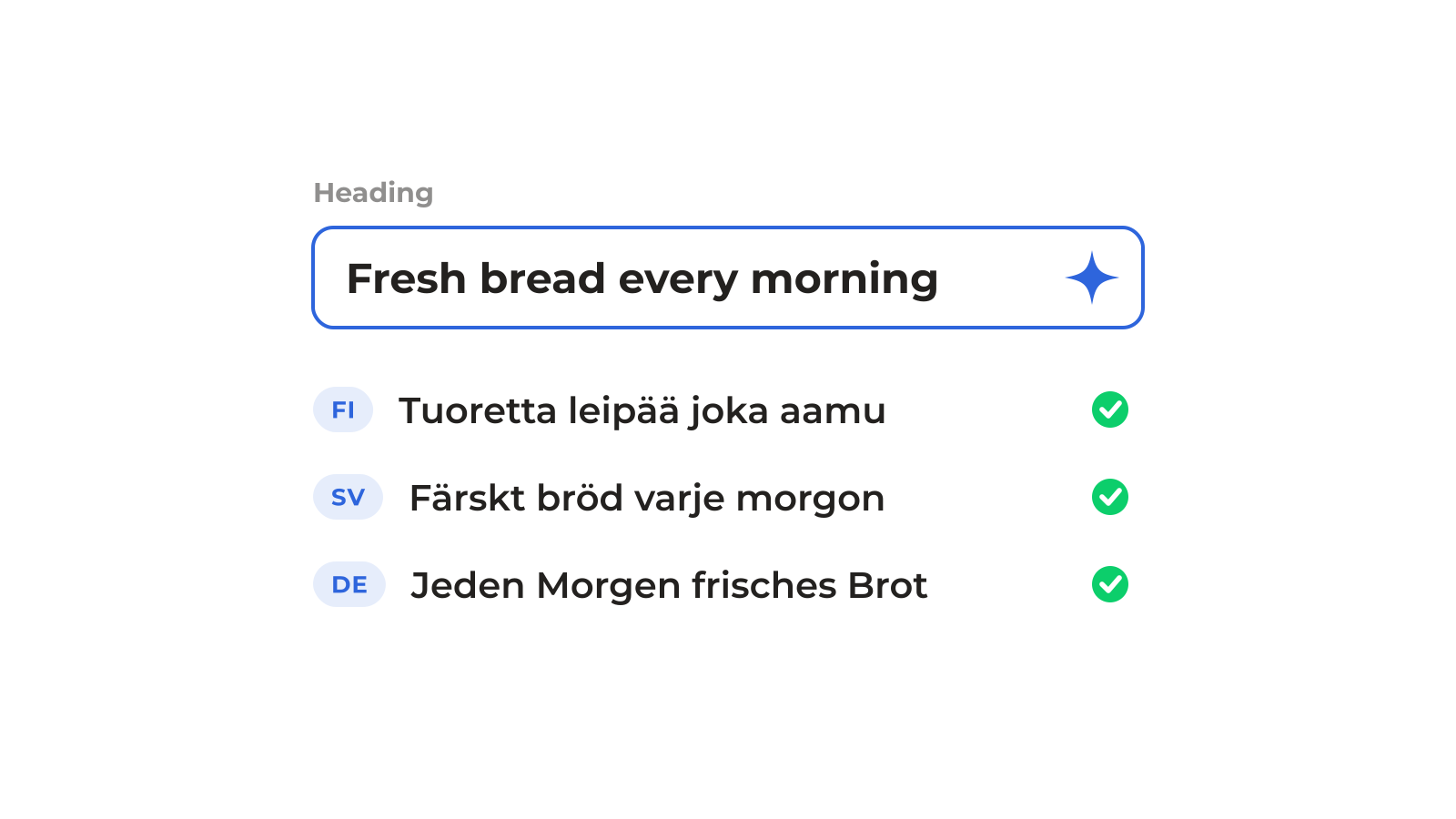
#Translate or write any text field in any language, straight in the editor or the CMS. Type what the field should say and let AI write and translate it.
AI info: tell AI who you are
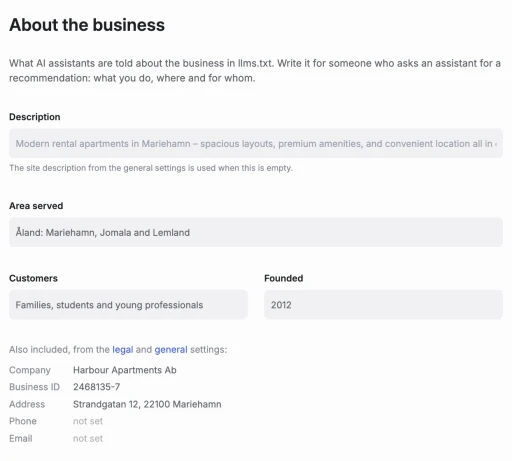
#Describe your business once under Settings > AI – what you do, where you operate, who your customers are and when you were founded. Flipsite feeds it into your llms.txt and structured data, so AI assistants answer questions about you with your own words instead of guesswork. And you decide if AI crawlers are welcome: allow or block them in robots.txt with one switch.
Automatic schema.org structured data
#Every page gets schema.org JSON-LD generated from your site settings, company details and AI info – no plugins, no hand-written code. Search engines and AI assistants understand who runs the site, what it's about and how the pages connect. Need more? Drop in schema.org components for local businesses, products and more, and they're compiled into valid structured data too.
In Google Lighthouse
- Structured data is valid
Automatic llms.txt – that you can override
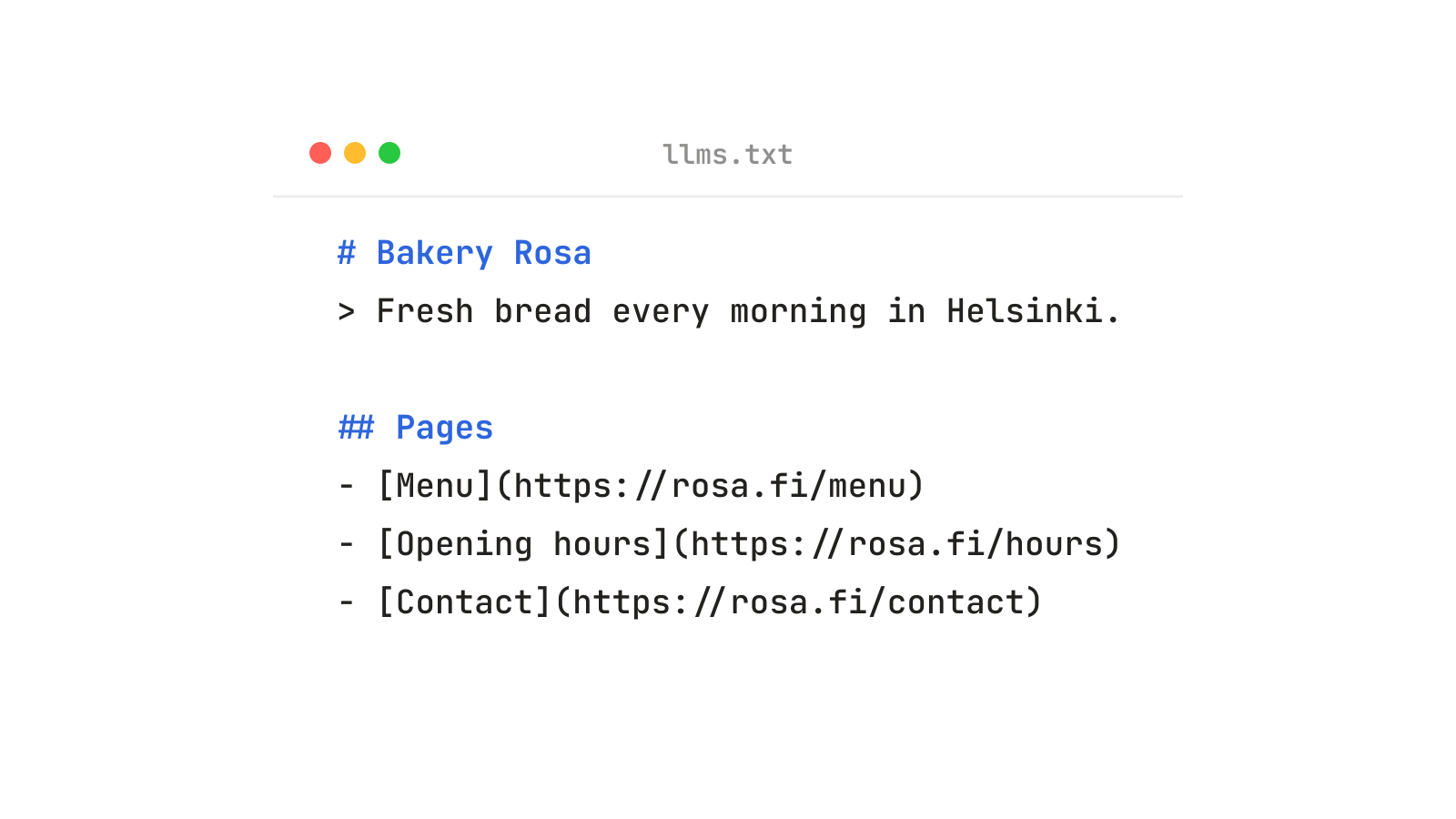
#llms.txt is the robots.txt of the AI era: a plain text map of your website made for language models. Flipsite writes it for you from your pages, descriptions and AI info, and keeps it up to date every time you publish. Want to say it your own way? Upload your own llms.txt and it replaces the generated one. Don't want one at all? Turn it off.
Flipsite MCP: let your AI build the site
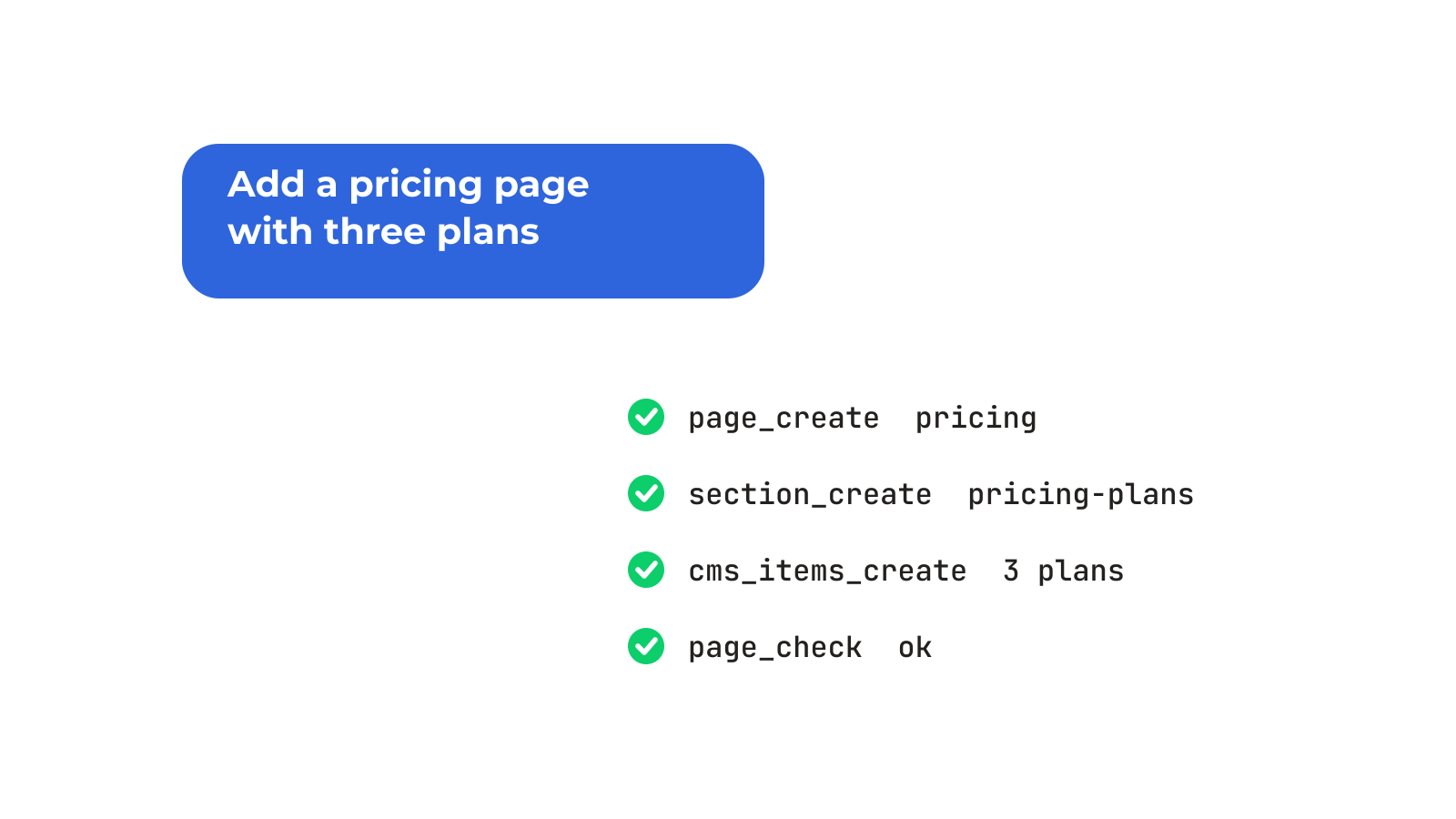
#Connect Claude, ChatGPT, Cursor or any assistant that speaks the Model Context Protocol, and it can work on your website the way you do in the editor. Add the Flipsite MCP server once, then create sites and pages, add sections from the library, write and translate CMS content, tweak the theme, take snapshots and publish – just by asking. Everything it does is version controlled, so one click rolls it back. And it's still the same 100/100 Lighthouse site underneath.
Undo anything your AI does
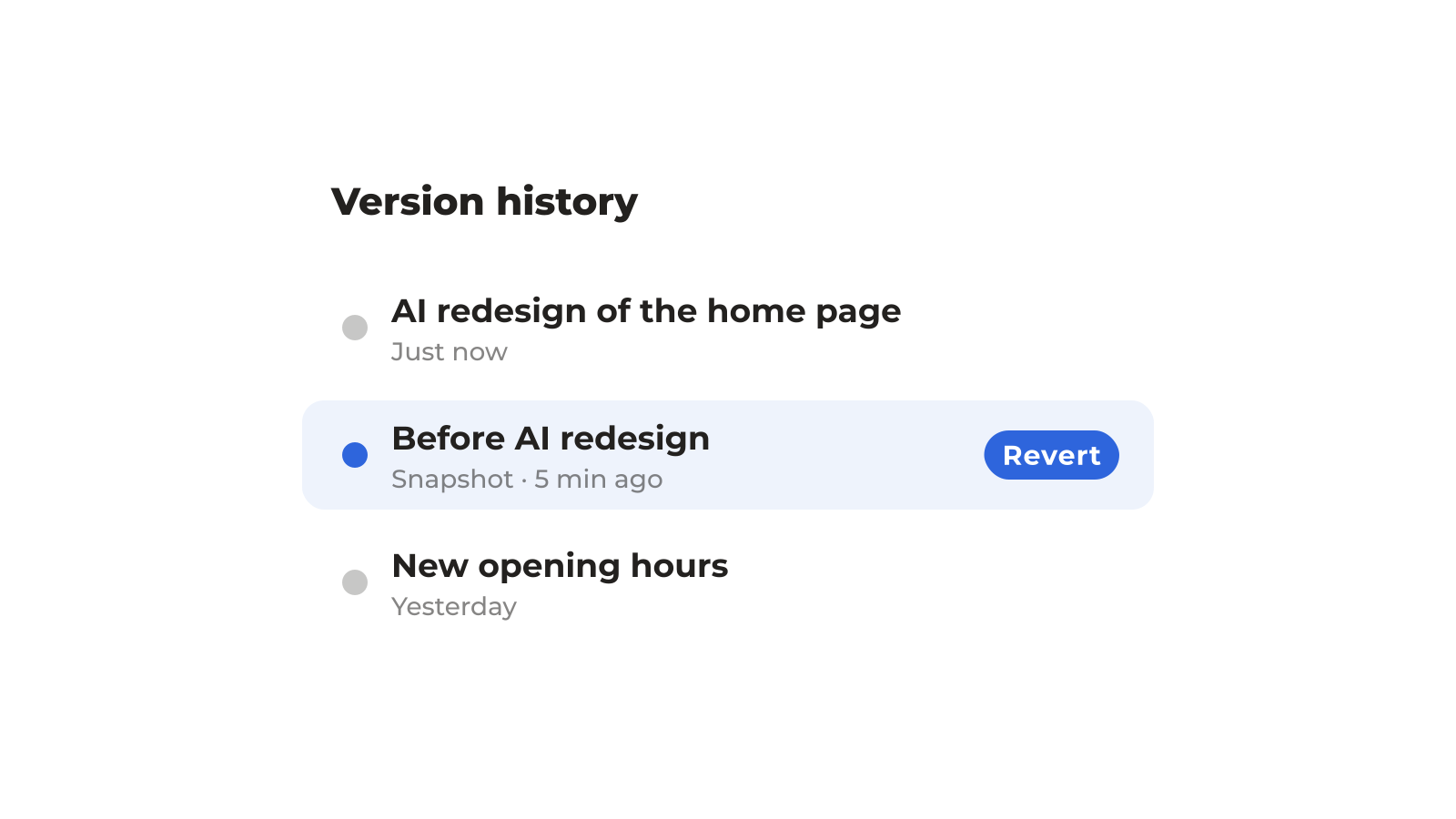
#Every change, whether by you or your AI, is saved in the version history. Let your assistant try a bold redesign, and if you don't like it, roll back with one click. Take a snapshot before big changes, or ask your AI to take one for you.
Proven building blocks, not AI slop
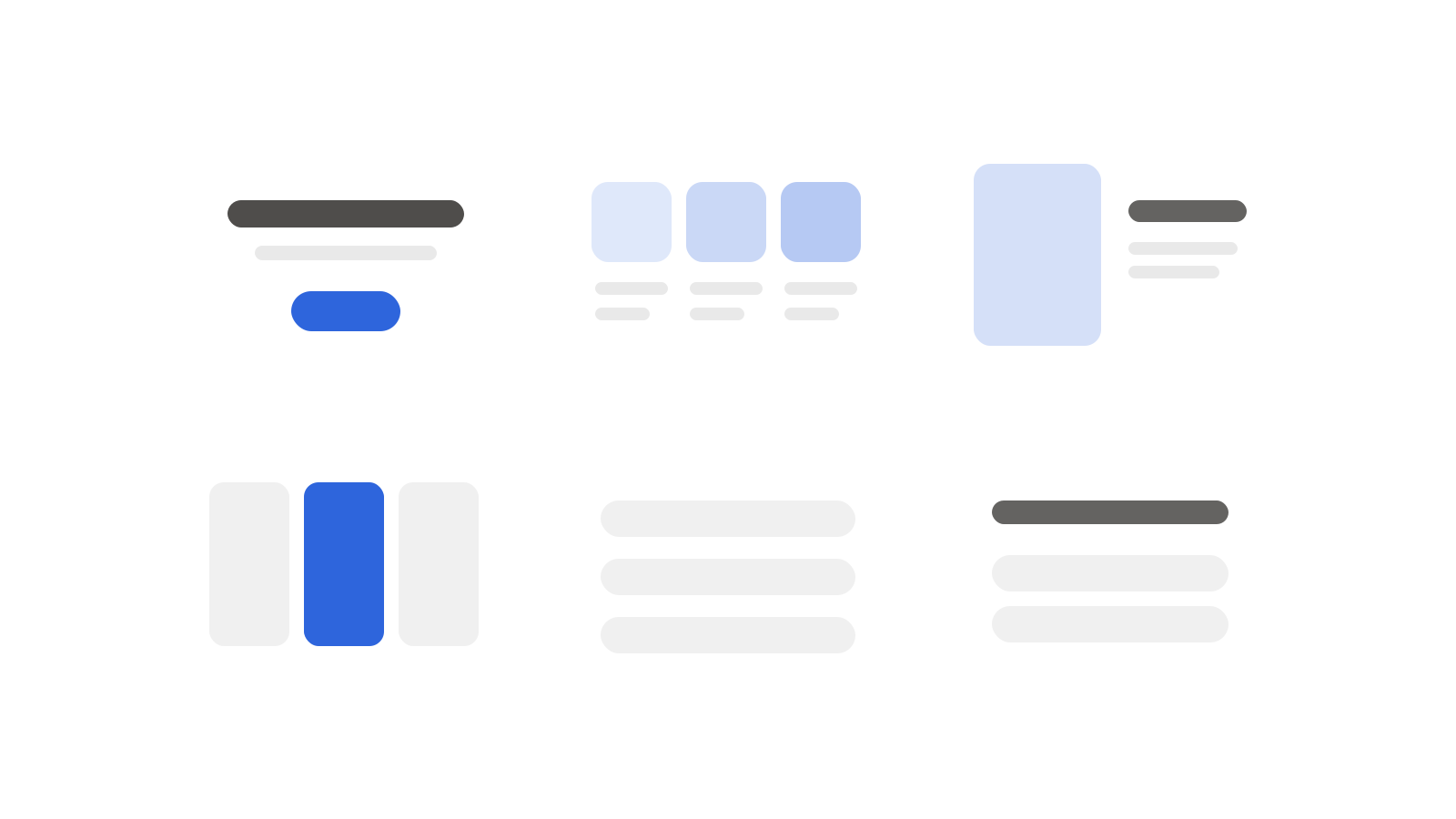
#Your AI doesn't invent layouts from scratch. It builds from the Flipsite section library and your theme, so every page stays on-brand, responsive and accessible. AI speed, designer quality.
Content at scale
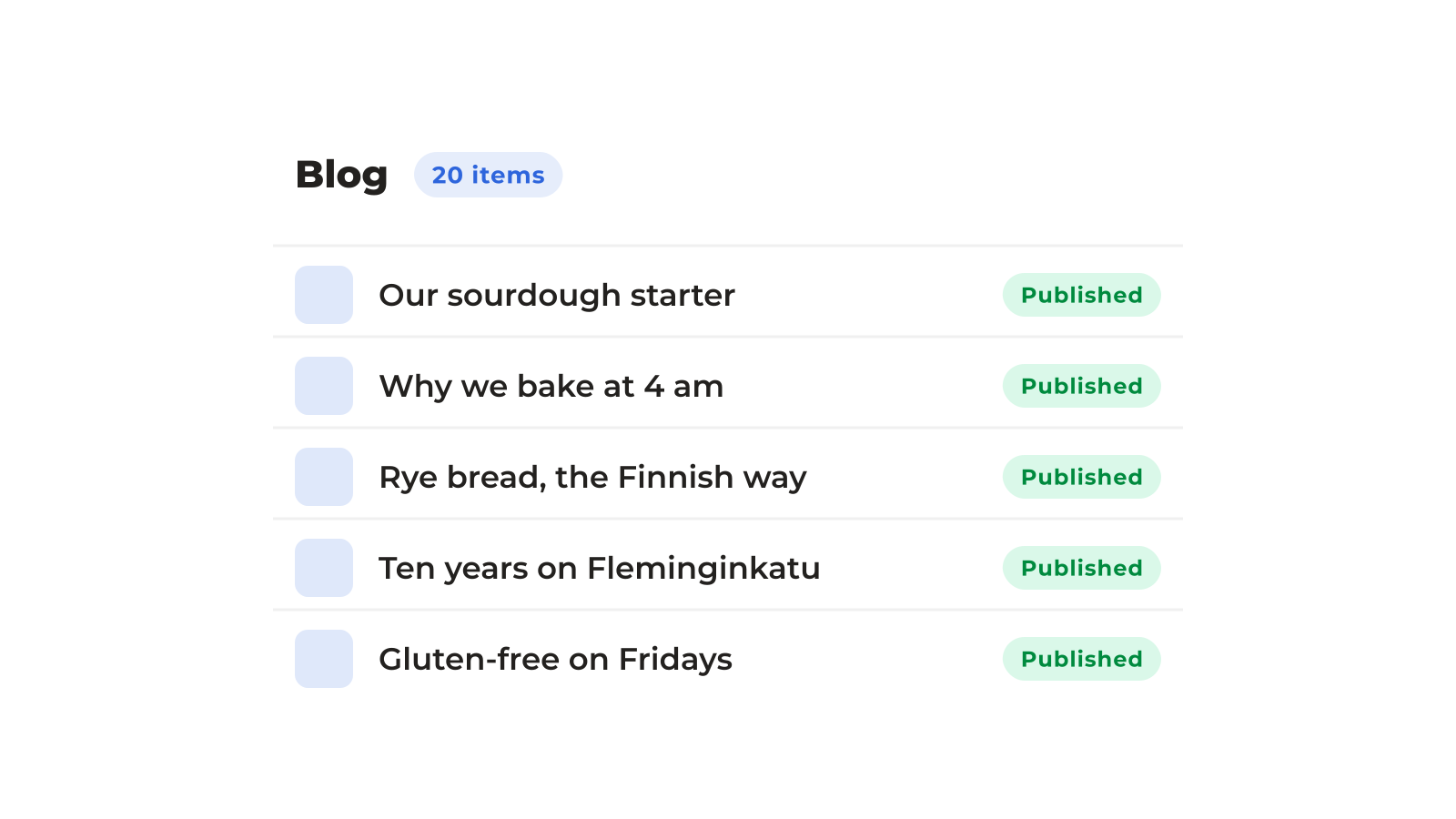
#Ask your assistant to fill the CMS: import a product list, draft 20 blog posts, create a page for every location or translate a whole collection. It's structured content, so you can reuse it anywhere on the site.
Other features
All features
Performance
Built for 100 in Lighthouse Performance. Fast pages by default, on any device and connection.

SEO
Built for 100 in Lighthouse SEO. Ready for Google and AI search alike.

Accessibility
Built for 100 in Lighthouse Accessibility. Works for impaired vision, old devices and screen readers.

Best Practices
Built for 100 in Lighthouse Best Practices. Secure, standards-based and free from trackers.

Editor & CMS
Design by hand, by prompt, or both, with all your content in one place.

Localization
Every text, date, image and URL in any language, with AI translation built into the editor and CMS.

Publishing
No vendor lock-in. Publish your website anywhere at the press of a button.